
Adding a Node
Connect a server or auto-provision a cloud VM — the agent dials back, no firewall rules needed.
Pick a provider and a worker node comes online in minutes. All paths lead to the same result: a node running the Spunto agent, connected outbound, ready to accept workers.
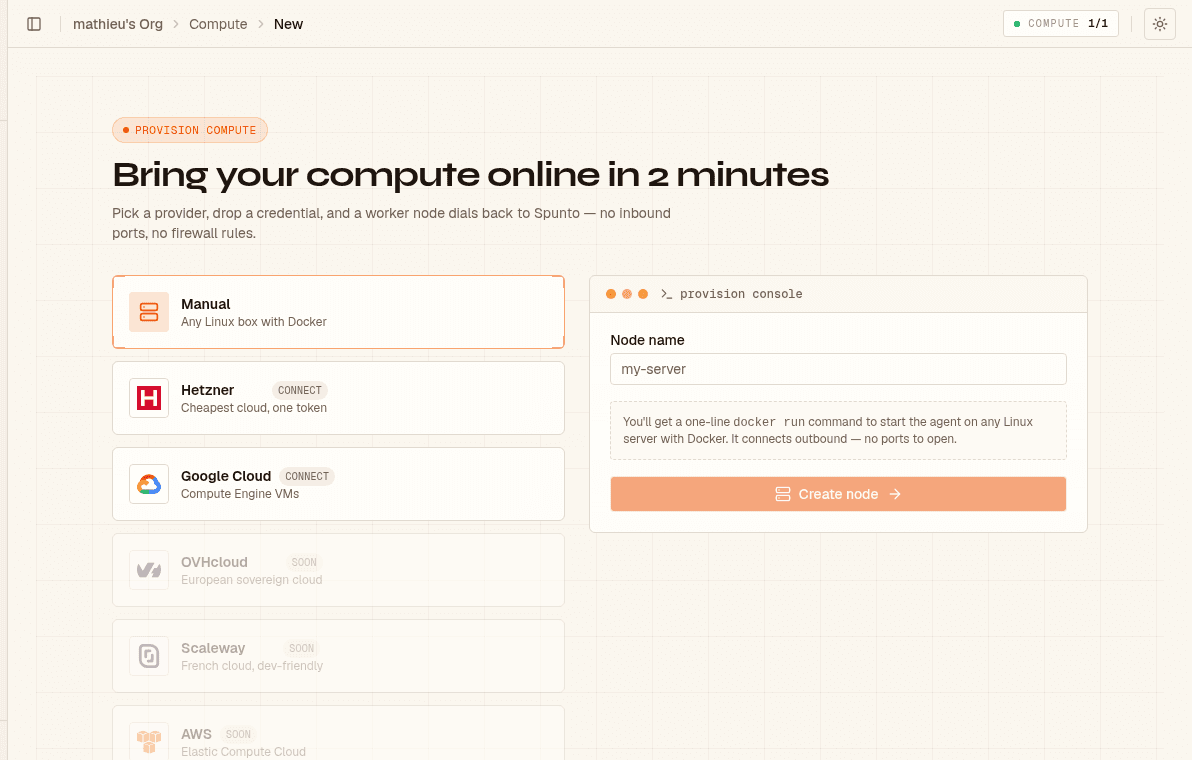
The default path. Spunto generates a one-line docker run command; you paste it on any Linux box and the agent connects within seconds.
Requirements: Docker installed and running, outbound HTTPS/WSS to spunto.net (no inbound ports needed), /var/run/docker.sock accessible.
Open Add node
Go to Dashboard → [Your Org] → Compute → Add node. Manual is selected by default.
Name the node and create it
Enter a name (e.g. prod-eu-1) and click Create node. Spunto creates the node record and displays a docker run install command — this command embeds a one-time token, so copy it now.
Run the command on your server
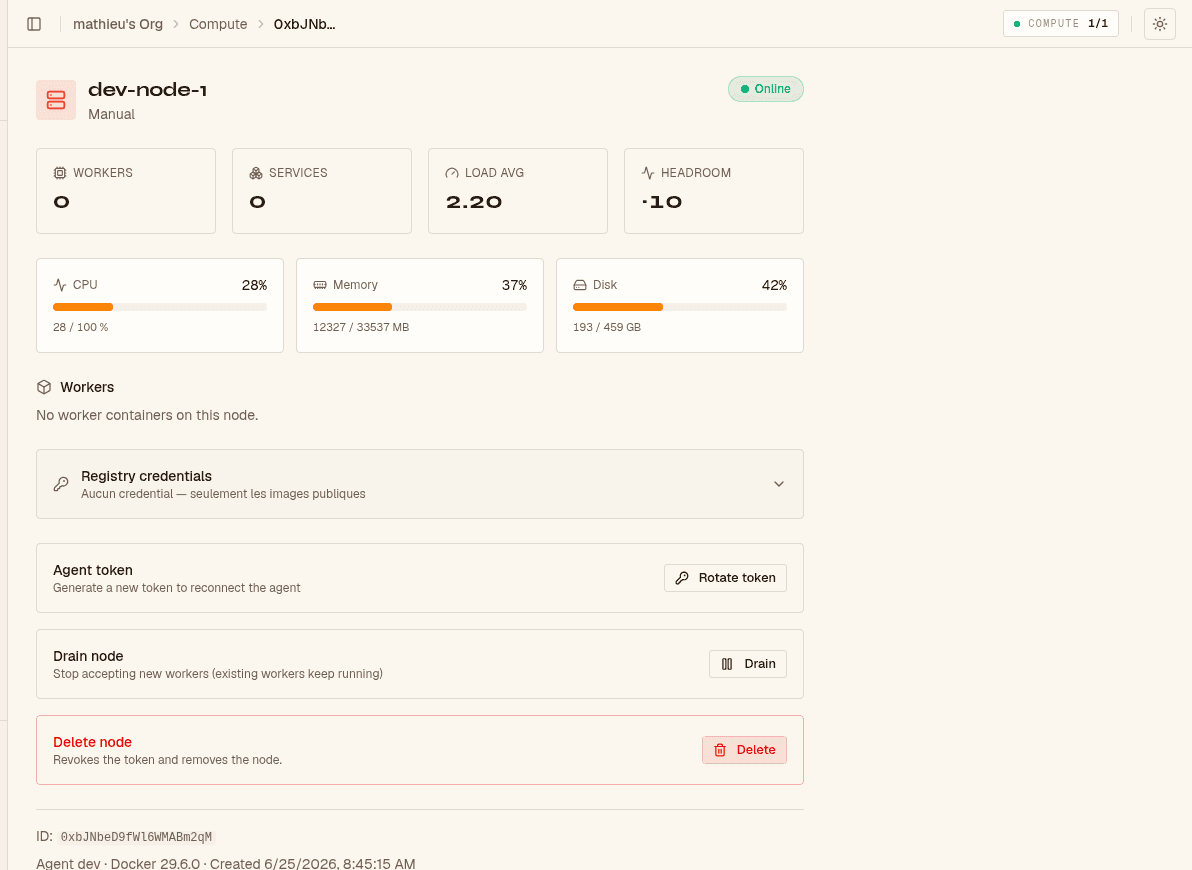
SSH into your server and paste the command. The agent container starts, connects outbound, and the node flips to Online within a few seconds.
docker run -d \
  --name spunto-agent \
  --restart unless-stopped \
  -v /var/run/docker.sock:/var/run/docker.sock \
  -e NODE_TOKEN=your_token_here \
  -e API_URL=https://spunto.net \
  ghcr.io/coderhammer/spunto-agent:latest
If the node stays offline after 30 seconds, check the agent logs:
docker logs spunto-agent -fSpawn a worker
Open any project and click New worker. Spunto schedules it on the least-loaded online node automatically.
For cloud nodes (Hetzner and GCP), the provision console shows a terminal-style stepper tracking progress in real time:
✓ credential verified
✓ VM created
▸ waiting for agent handshake…
· node online
Once all four steps are checked, the dashboard redirects to the node detail page automatically.
If provisioning fails (e.g. quota exceeded, invalid zone), the stepper shows a red ✗ with the error message and a Back to nodes button. The node stays in the database in provisioning_failed state so you can inspect what went wrong, then delete it and retry.
You can register any number of nodes under the same organization. When a worker is spawned, Spunto picks the least-loaded online node — the one with the fewest running workers and deployment services combined. If no node is online, the spawn fails immediately with a clear error.
Before taking a server offline:
- Go to the node's detail page → click Drain
- The node stops accepting new workers; existing workers keep running
- Wait for workers to finish (or stop them manually), then shut down the server
Draining is not persisted across agent reconnects — when the agent reconnects, the node resumes accepting workers. Drain again if you need to keep it in maintenance mode.
If a token is compromised:
- Go to Nodes → select the node → Rotate token
- A new token is issued; the old one is invalidated immediately
- Update
NODE_TOKENon your server and restart the agent container
- The agent never listens for inbound connections — all communication is initiated outbound over a persistent WebSocket to the API
- Worker containers run on isolated Docker bridge networks with no host port exposure; workers on the same node cannot reach each other's containers
- The Docker socket is mounted read-write — treat any machine you connect as a node as trusted infrastructure for your organization